Best Password Managers for Freelancers
A practical look at the password managers that help freelancers handle dozens of client logins securely—without adding enterprise complexity to daily work.
Best Overall: 1Password
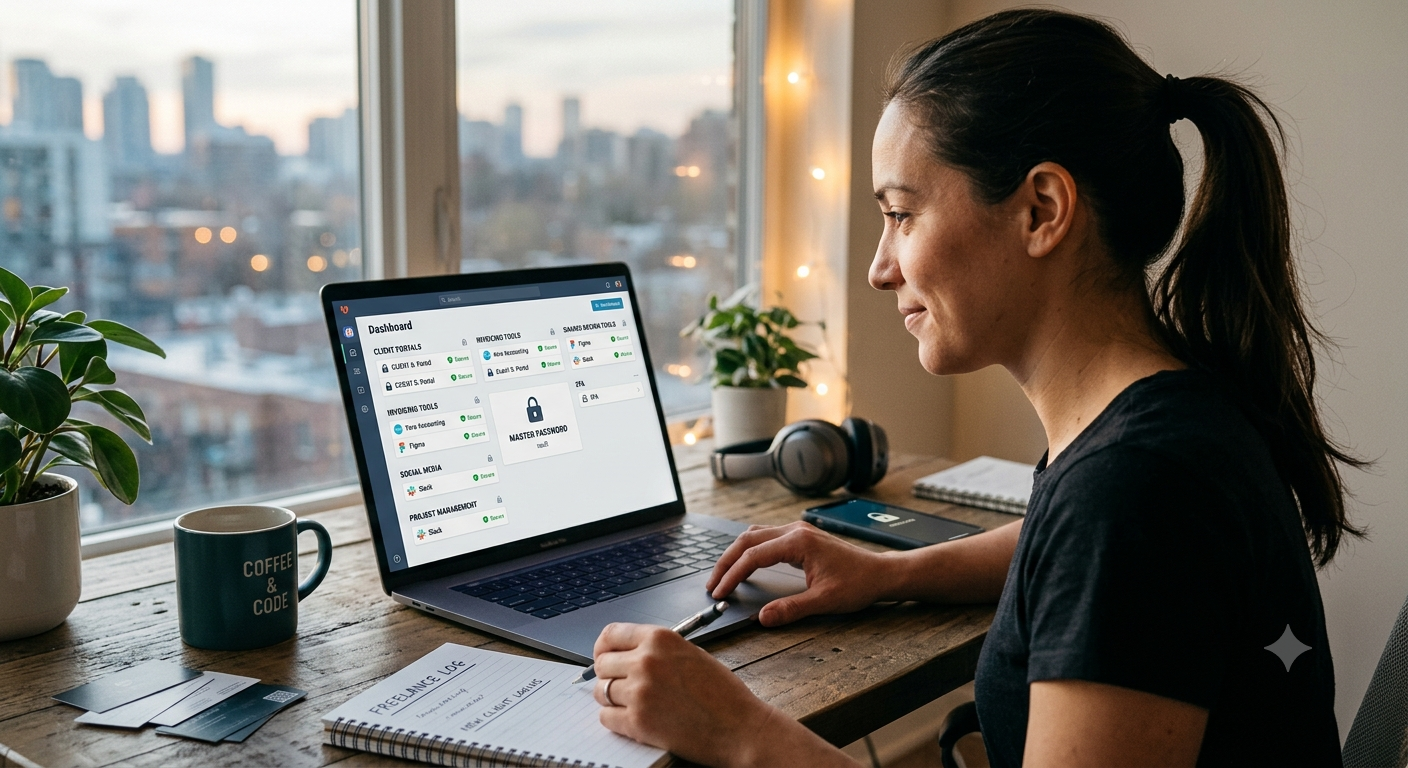
1Password hits the ideal balance between everyday usability and robust security for freelancers dealing with multiple client accounts. Its built-in Watchtower feature flags weak or repeated passwords, while its interface lets you organize logins into separate client vaults—saving you from scrolling through one endless list to find a single portal credential. The primary drawback is its paid-only model. While it offers a free trial, there's no permanent free plan, placing it a step behind Bitwarden for anyone working on a strict budget. That said, if you generate steady freelance income and can write this off as a standard business expense, the organization and polish are well worth the monthly fee. Pro Tip for Client Management Set up a dedicated vault inside 1Password for each client. This keeps you from ever sending the wrong login details by mistake and makes offboarding effortless when a contract ends.
Best for Beginners (and Tight Budgets): Bitwarden
Bitwarden is open-source, regularly audited by independent security firms, and allows unlimited passwords across unlimited devices on its free plan—a rarity in this market. For a freelancer starting to organize scattered credentials, that free tier provides everything you need without spending a dime. Its interface feels a bit plain compared to 1Password, and some advanced sharing features are reserved for paid Families or Organizations tiers. However, for a solo freelancer whose main goal is to store and autofill logins securely, Bitwarden's free plan represents a massive upgrade over browser-saved passwords or desktop sticky notes.
Best for Freelancers Juggling Active Clients: NordPass
NordPass earns a top spot thanks to its straightforward approach to credential sharing. If you occasionally need to give a client or external contributor temporary access to a login, NordPass lets you share specific items with granular permissions instead of handing over your entire vault. Because it's a newer entry compared to 1Password or Bitwarden, its historical track record is shorter. Nevertheless, it uses the modern XChaCha20 encryption algorithm and packs business features priced reasonably for growing freelance setups. Crucial Security Rule Never share your primary master password, even with a trusted client. Every reputable password manager includes built-in sharing features that grant item-level access without revealing your main vault key.
Free vs. Paid: What Actually Changes?
Free tiers (such as Bitwarden's, or 1Password's trial) cover core daily needs: encrypted vault storage, password generation, and automatic filling across devices. Upgrading to a paid plan generally unlocks:
• Granular sharing controls: Share specific credentials with granular access rules.
• Emergency access: Designate a trusted contact who can request access if something happens to you.
• Detailed security audits: Get actionable reports on compromised, weak, or reused credentials across all accounts. If you work alone with just one or two recurring clients, a free plan will likely serve you well for a long time. Once you regularly swap logins with subcontractors, manage sensitive client infrastructure, or need documented security practices for client questionnaires, a paid subscription quickly pays for itself.
Security Basics That Matter More Than the App You Pick
Any of these three tools will dramatically boost your account security compared to reusing basic passwords. However, the software itself is only part of the equation. To protect your freelance operation:
•Turn on Two-Factor Authentication (2FA): Enable 2FA on your password manager account itself, not just on your client accounts.
•Rely on the password generator: Avoid creating passwords yourself—human-generated combinations are far more predictable than they feel.
•Store your master key offline: Write down your master password on paper and keep it somewhere secure. Because these services use zero-knowledge encryption, losing your master password usually means losing access to your vault entirely.
Summary
If you want a quick recommendation: 1Password is the top overall choice for freelancers who can budget for it, thanks to client-organized vaults and slick sharing tools. If keeping expenses low is your priority, Bitwarden's free plan is fully capable of running your business. And if you handle several active client accounts with shifting permission needs, NordPass is well worth exploring. Whichever manager you select, the real security gain comes from building the habit: having every login unique, encrypted, and protected by two-factor authentication. Choose one this week, migrate your highest-risk accounts first (banking, invoicing, and primary client portals), and move the rest over during the coming month.
More in Productivity
View allFrequently Asked Questions
Do freelancers actually need a dedicated password manager?
Yes, absolutely. Freelancers usually handle logins across multiple client portals, invoicing tools, and collaborative platforms. Reusing the same passwords across those accounts is one of the quickest ways to accidentally expose sensitive client data.
Is a free password manager good enough for freelance work?
It certainly can be. For a solo freelancer managing personal and client logins, a generous free plan like Bitwarden covers all the essential bases. Paid tiers only become necessary when you need granular credential sharing, emergency access features, or detailed security audits.
Newsletter placeholder
Future weekly technology brief
This block reserves a clean, non-intrusive location for a future newsletter without changing article layouts later.
Comments placeholder
A future comments system can be added here without changing the article template.