Best AI Meeting Notetaker Apps for Remote Teams
A practical roundup of AI meeting notetaker apps that transcribe calls, capture action items, and cut down on manual notetaking for busy remote teams.
• Fireflies.ai takes the top spot as the best overall pick thanks to solid transcription accuracy, searchable archives, and wide app integrations.
• Otter.ai offers a surprisingly generous free tier, making it ideal for freelancers or small teams who only need call summaries once in a while.
• Fathom is the go-to option for privacy-focused teams that need clear, granular control over what gets recorded and who can view it.
• Getting participant consent before hitting record isn't just a polite gesture—it's legally required in many jurisdictions.
Best AI Meeting Notetaker Apps for Remote Teams
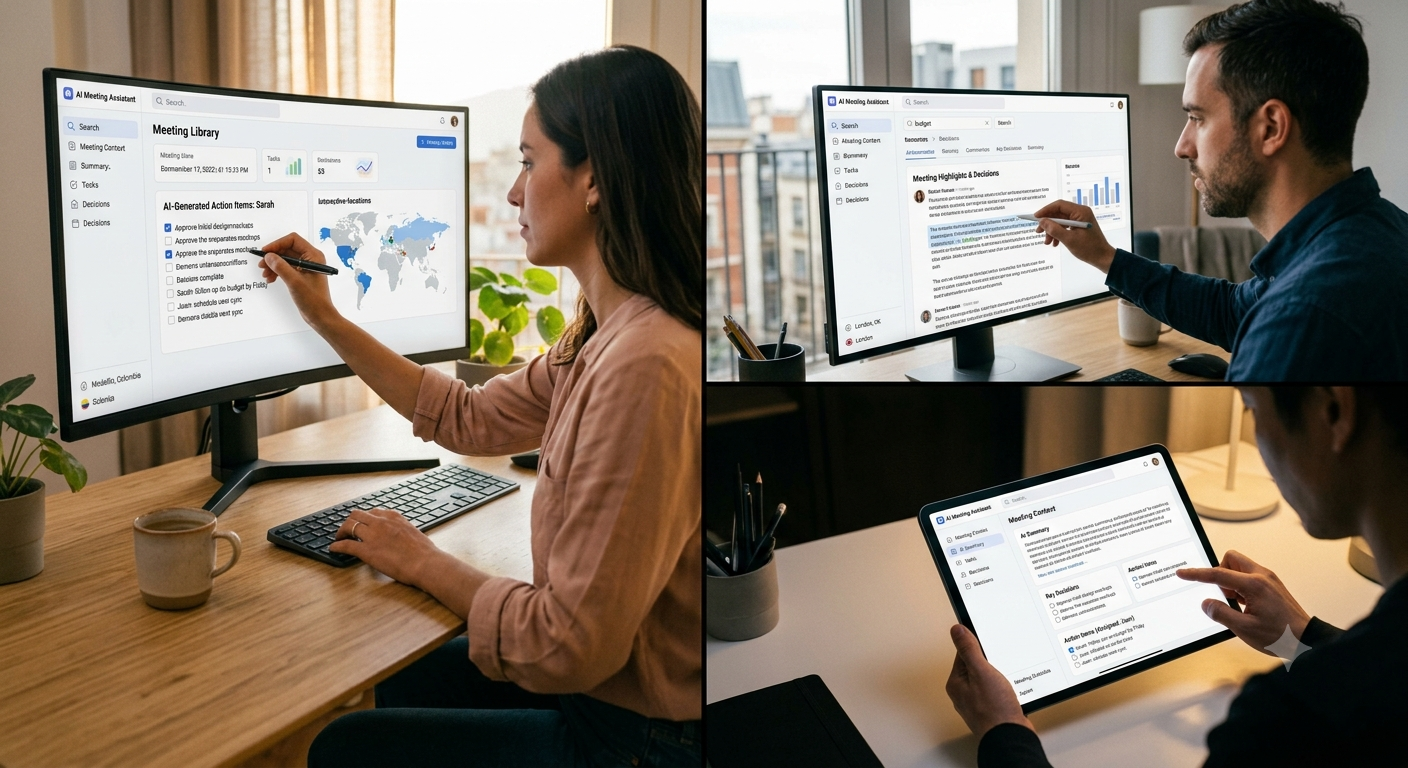
If your work week is crammed with calls across multiple time zones, you've probably hit this wall: someone inevitably misses the sync, and whoever was on the call has to piece together recap notes from memory or a half-baked Google doc. AI meeting assistants exist to fix exactly that. They jump into your calls, transcribe the conversation, highlight key points, and compile action items automatically. This roundup covers tools that are quick to configure, run smoothly across popular video platforms, and won't break the bank for freelancers or lean remote teams. We purposefully skipped heavy enterprise platforms that require an entire IT department to set up and manage.
How we chose these picks
We evaluated tools based on real-world transcription accuracy, how effectively they highlight actual decisions instead of dumping endless blocks of text, native support for Zoom, Google Meet, and Microsoft Teams, clear privacy practices, and whether their free plans offer genuine utility or just a glorified trial. Enterprise call-center platforms were intentionally left off the list. Most of their features add unnecessary complexity for small distributed teams
Best overall Fireflies.ai
Fireflies.ai enters calls automatically, transcribes on the fly, and separates key action items from general chatter. Its searchable transcript library is a massive time-saver when you need to track down a specific comment made three meetings ago without scrolling through pages of notes. It connects seamlessly with major video platforms along with workspace tools like Slack and common project management trackers, ensuring summaries land right where your team already collaborates.
Best free option: Otter.ai
Otter.ai gives you a practical monthly allowance of transcription minutes on its free plan. That makes it more than enough for freelancers or small setups that only need recaps for a few key calls each month. The transcription accuracy holds up very well on clear audio, and the live captions come in handy if you are taking a call from a noisy environment. The main trade-off is that advanced features—like custom vocabulary dictionaries and deeper automated summaries—are locked behind paid tiers.
Best for privacy-conscious teams: Fathom
Fathom stands out by keeping data handling crystal clear. You get granular control over which meetings get recorded, who on your team has access to the transcripts, and how long recordings are retained—a huge plus for teams handling sensitive client information. Instead of giving you massive text documents, it defaults to short, digestible summaries that team members actually read, even if that means slightly less granular detail when checking exact phrasing.
Summary
If you are looking for a solid, dependable tool to handle frequent team calls, Fireflies.ai covers the most ground. If budget is tight and you only need periodic transcription, Otter.ai's free tier offers genuine value. And for teams dealing with sensitive client discussions, Fathom's privacy features make it worth a closer look. Whichever app you choose, make a habit of asking for consent before recording, and spend a few minutes reviewing the initial summaries to verify accuracy before relying on them completely.
More in Productivity
View allFrequently Asked Questions
Are AI meeting notetakers accurate enough to skip taking my own notes?
If your calls have clean audio, absolutely—they are reliable enough that you won't need to scribble down notes yourself. That said, it is always smart to skim through the summary afterward to double-check technical jargon, names, or specific figures that could easily be misheard.
Do these tools work with Zoom, Google Meet, and Microsoft Teams?
Yes, every option on this list connects seamlessly with all three major platforms. They handle this either by having an automated bot join the call or through direct software integrations, so you aren't tied down to a single video client.
Newsletter placeholder
Future weekly technology brief
This block reserves a clean, non-intrusive location for a future newsletter without changing article layouts later.
Comments placeholder
A future comments system can be added here without changing the article template.