What Is Passkey Authentication and How Does It Replace Passwords?
Passkeys replace passwords using biometric logins on your devices. Here is how they work, why they are safer, and how you can switch today.
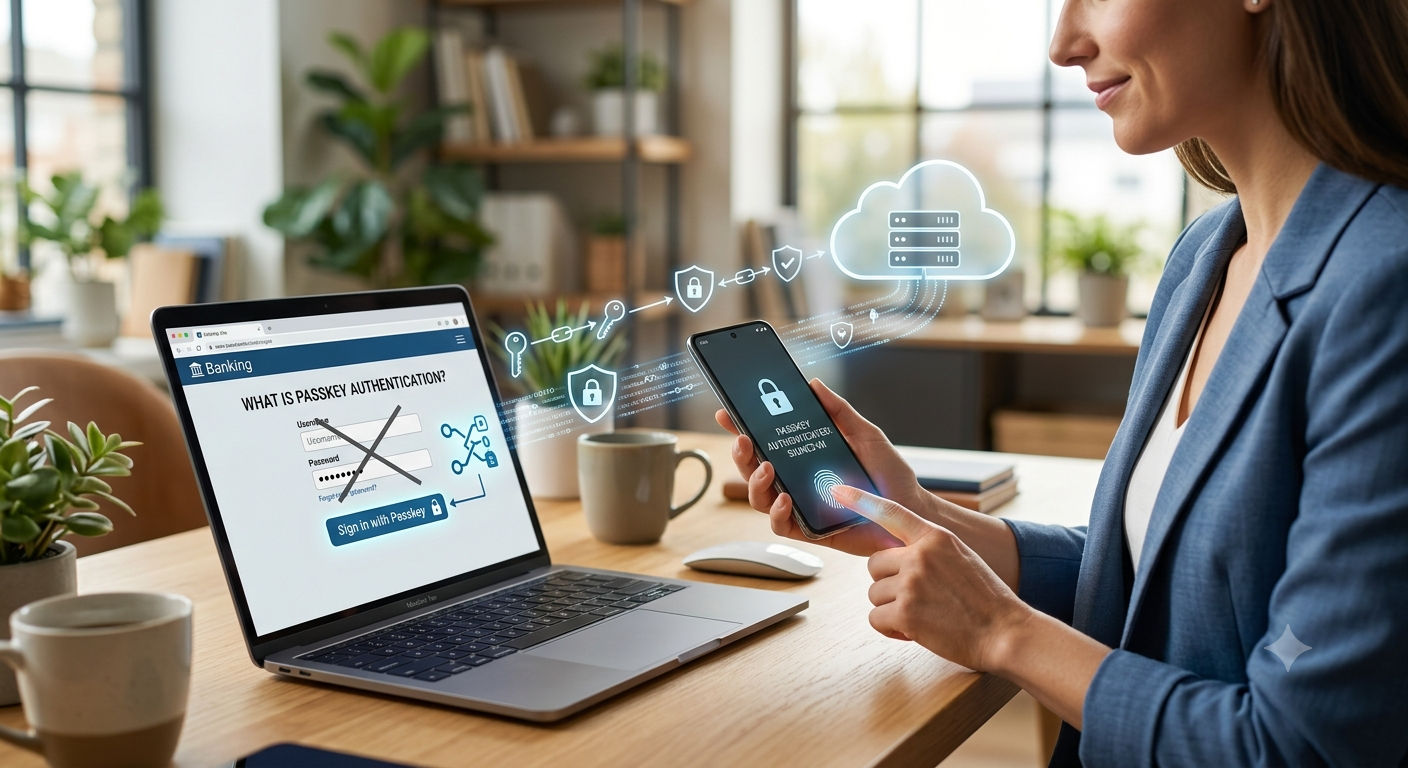
If you’ve signed into an app lately and scanned your face or fingerprint rather than typing out a password, you’ve already used a passkey. Platforms like Google, Apple, and Amazon—along with plenty of banks and freelance sites—are rapidly shifting to them as the default way to log in. They save time, but more importantly, they're significantly tougher for hackers to steal. Here is a look at what passkeys actually are, how they work behind the scenes, and what using them means for you day to day.
What Is Passkey Authentication?
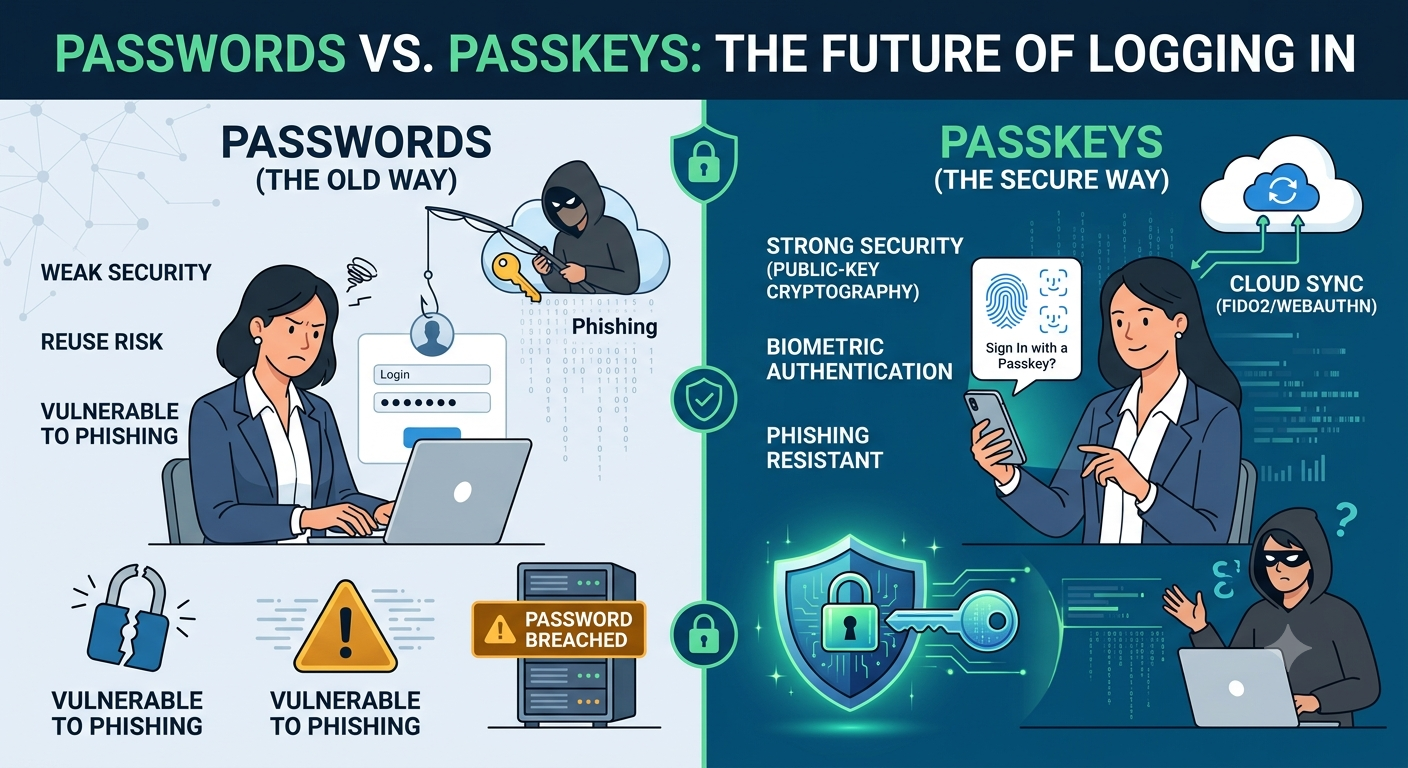
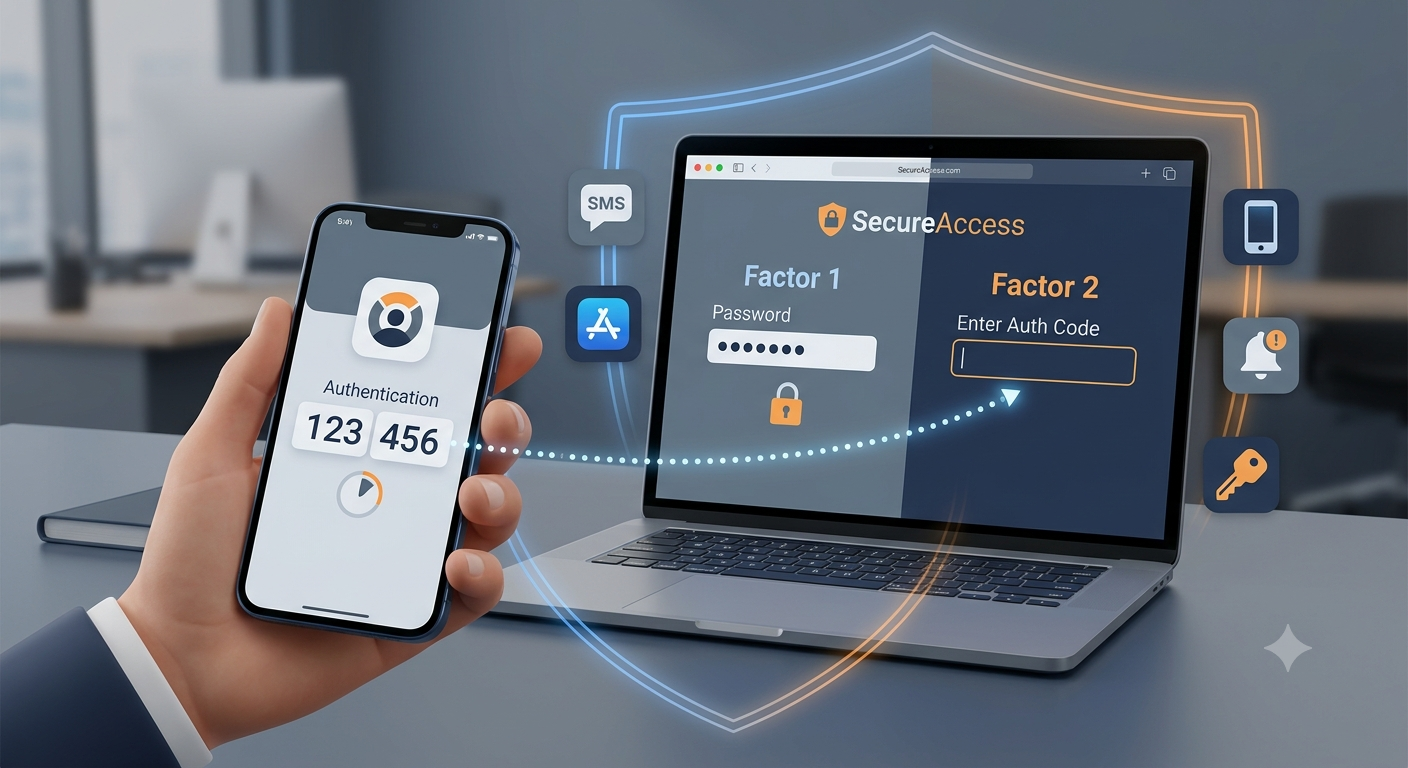
Think of a passkey as a digital credential designed to get rid of standard passwords. Rather than relying on a string of letters and numbers you have to remember, it relies on a pair of cryptographic keys. One key sits safely on your device—whether that's your phone, laptop, or a USB security key—while the other stays on the website or app's server. When logging in, your device simply proves it possesses the private key without actually broadcasting it across the web. You approve the login on your end using Face ID, a fingerprint, or your device PIN. It’s worth pointing out that this isn't just standard two-factor authentication stacked on top of a password. Passkeys do away with the password altogether. That means there's no text to type, no password to get exposed in a database leak, and no secret for a fake phishing site to steal from you.
How Passkey Authentication Works
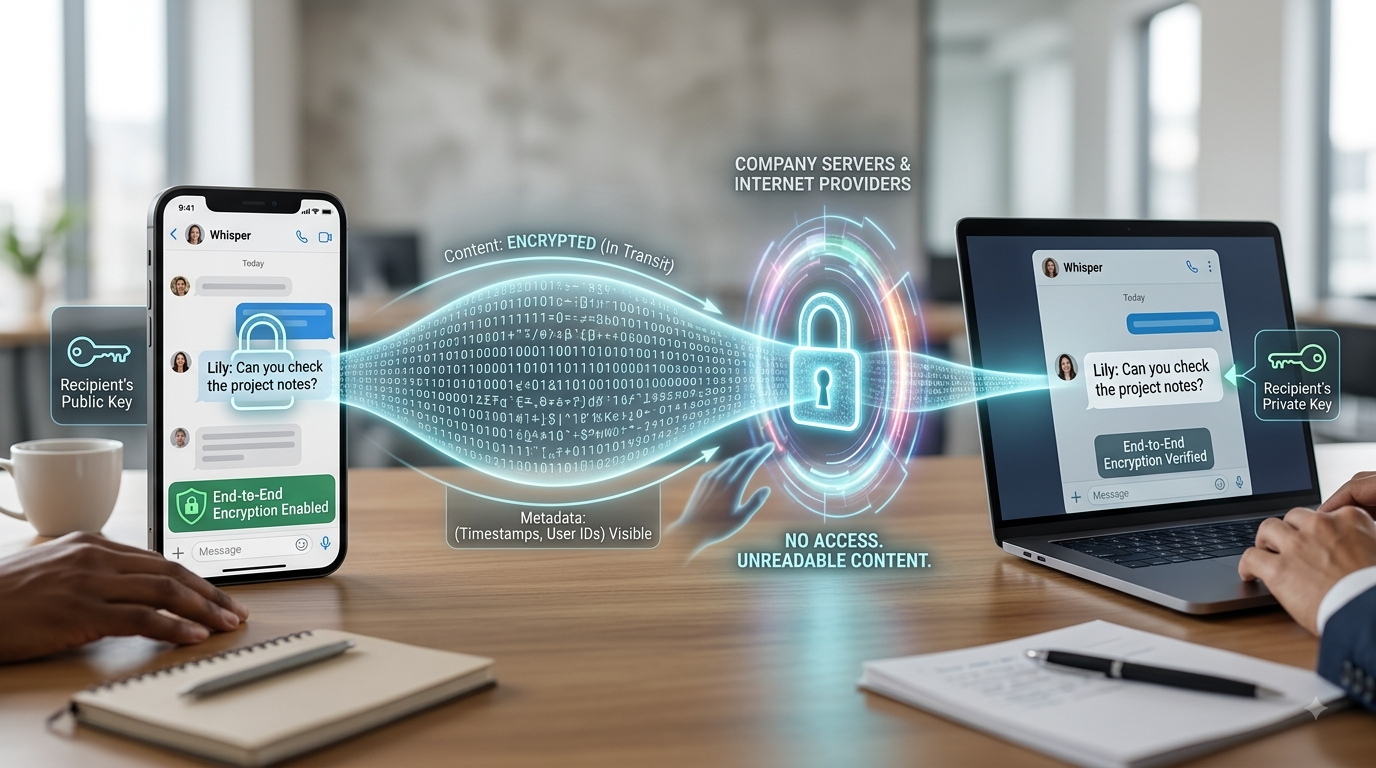
Creating a passkey usually takes less than a minute. When you set one up for a specific site, your device creates a brand-new key pair made exclusively for that domain. The site gets the public key, while the private half stays locked inside your device's hardware chip—such as Apple's Secure Enclave or a Windows Trusted Platform Module (TPM). When you return to log in later, the site sends a quick digital challenge to your browser. Your device signs that challenge using its private key, which only unlocks once you verify your identity with a face scan, fingerprint, or PIN. The server then verifies the signature with the public key it saved earlier. If the match is solid, you're logged in. Because no password ever travels over the network, there's literally nothing for hackers to intercept, guess, or recycle from a past data leak. On top of that, most modern passkeys automatically sync across your personal devices via built-in tools like iCloud Keychain, Google Password Manager, or third-party password managers that support passkeys. That way, you aren't tied down to just one phone or computer.
Why Passkeys Are Replacing Passwords
Traditional passwords tend to fail for very predictable reasons: we reuse them, pick easy-to-guess phrases, or fall for convincing fake websites. Passkeys fix these flaws directly at the core technical level instead of hoping users practice good digital hygiene.
-
Phishing resistance: A passkey is tied specifically to a website's exact web address, meaning it simply won't respond on a fake or spoofed login page.
-
No shared secrets: Since you never type or send a password over the internet, a server breach won't expose any credentials.
-
Faster logins: Touching a fingerprint sensor or looking at your camera is plain faster than remembering and typing complex passwords.
-
Fewer reused credentials: Every site gets its own unique passkey, so an issue on one platform won't compromise your other accounts.
Getting Started With Passkeys
You'll find passkey support in the security settings of most major services these days, usually listed as "Passkeys," "Sign in without a password," or "Security keys." Setting one up follows a familiar routine: head to your account's security tab, choose the passkey option, and confirm using your device's authentication method (like Face ID, Touch ID, Windows Hello, or a PIN).
Summary
Passkey authentication replaces traditional passwords with cryptographic key pairs linked directly to your device. By using local biometric logins like Face ID or fingerprint scans, passkeys eliminate typed credentials, protecting accounts against phishing, database leaks, and credential reuse while streamlining the overall sign-in process.
More in Technology Explained
View allFrequently Asked Questions
Do passkeys work if I don't have a smartphone?
Yes, absolutely. You can use a dedicated hardware security key (like a small USB or NFC key) or your laptop's built-in security chip instead of relying on a smartphone.
Can a passkey be phished or stolen like a password?
They're dramatically harder to steal. Because the private key stays on your device and is locked to the legitimate website address, a scam site has no way to capture or reuse it like a typed password.
Newsletter placeholder
Future weekly technology brief
This block reserves a clean, non-intrusive location for a future newsletter without changing article layouts later.
Comments placeholder
A future comments system can be added here without changing the article template.